

Make Your Website App-Ish
Share
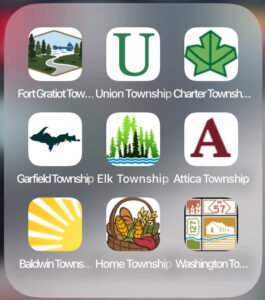
We’re rolling out a new feature in Q4: a mobile-only shortcut button called “Install Shortcut Icon.” This button will appear on your website (only visible on phones), and lets users easily add your site to their home screen—just like an app, but without needing to visit an app store.
We call it app-ish because it works like an app icon but is simpler to set up.
What You Need to Do
To get started, fill out this quick preference form (it takes less than a minute). You’ll tell us:
-
Where you want the button to appear
-
What page the shortcut should open
We won’t add the button until you approve it.
 A Couple Things to Know
This shortcut icon is not a real app, so:
-
It won’t show notification badges (like unread message counts).
-
It doesn’t update automatically. If you change the destination page later, only new users will get the updated link. Existing users would need to delete and reinstall the shortcut.
After you fill out the preference form, we’ll handle the rest.